This article may contain affiliate links. If you buy through them we may earn a commission at no extra cost to you.
The Amazon Fire HD 8 ($90–$120) is the right answer for Kindle readers who want to spend the least. The Samsung Galaxy Tab A9 ($200–$230) is the right answer for everyone else who wants a sharp, versatile Android tablet. If you’re already in Apple’s world, the iPad 10th gen at $329 is worth the stretch. Everything below explains why—and where each tablet falls short.
Amazon Fire HD 8 (2026)
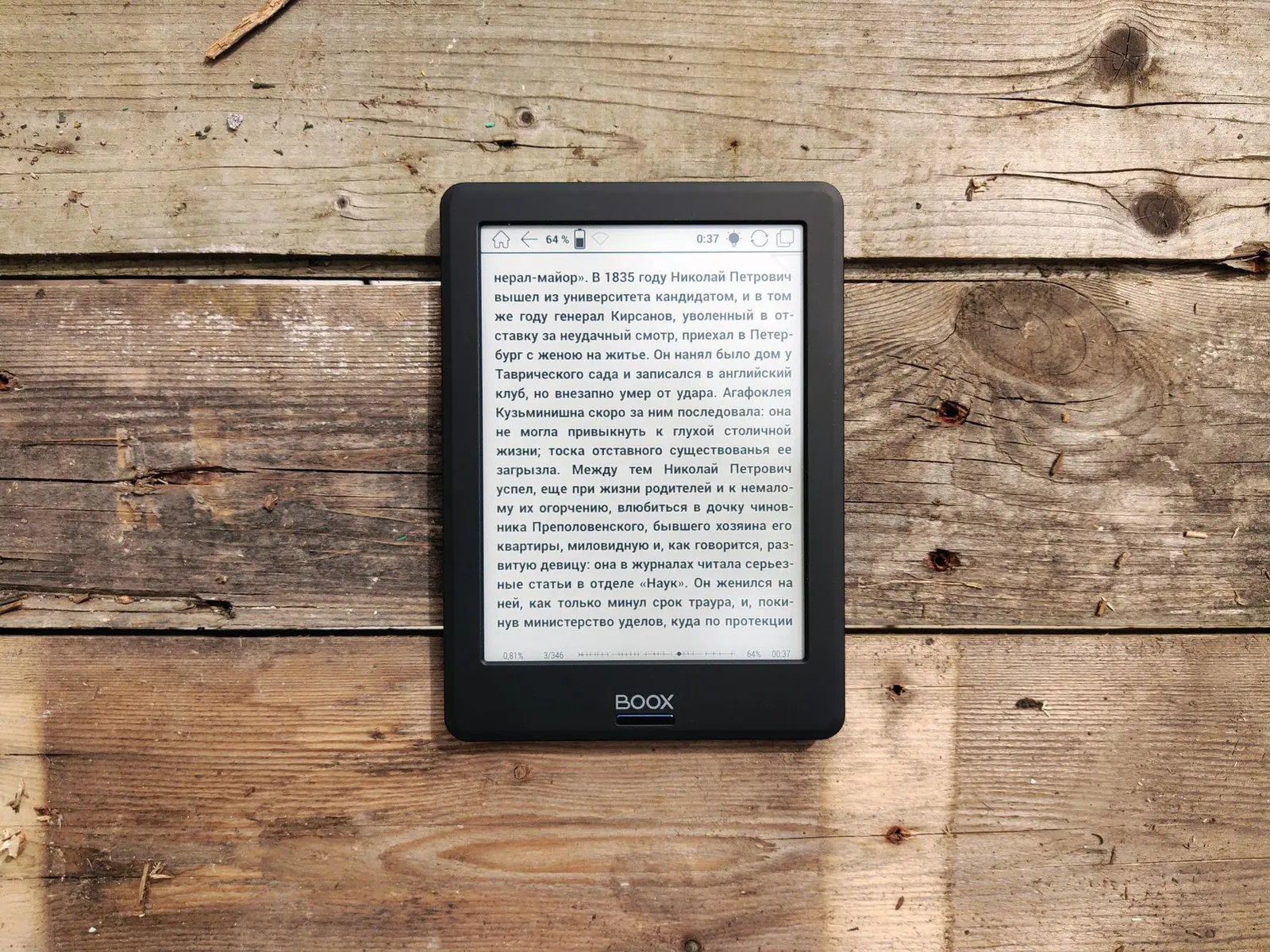
Best for: Kindle library owners and casual readers on a tight budget.
At $90–$120, the Fire HD 8 is the cheapest tablet here by $60. The 8-inch IPS LCD runs at 1200×800—not sharp by modern standards, but text is clean and readable at normal font sizes. It weighs 355g (12.5 oz), which is light enough to hold one-handed through a two-hour reading session without your wrist complaining.
Battery life hits around 13 hours in real-world reading use. The processor is modest—app switching has a half-second lag—but Kindle, Comixology, and Libby all run without issues. Storage tops out at 64GB, which is fine for ebooks but tight if you cache graphic novels or large PDFs locally.
The friction points are real: no headphone jack, no Google Play (you’re limited to Amazon’s Appstore), and the screen brightness caps noticeably lower than the Samsung or iPad picks. The 60Hz refresh rate makes scrolling through long library lists feel slightly sticky. If you read exclusively through Kindle or Prime Reading, none of that matters. If you don’t, look elsewhere.
Lenovo Tab M10 Gen 3 (10-inch)
Best for: Readers who want a bigger screen and full Android access under $180.
The jump from the Fire HD 8 to the Lenovo Tab M10 Gen 3 ($150–$180) buys you a 10.1-inch IPS display at 1920×1200—a resolution step up that’s immediately visible in magazine layouts and comic panels. Color accuracy is better than the Fire, and the extra screen real estate reduces the need to zoom and scroll on formatted content.
The MediaTek Helio G80 with 4GB RAM keeps reading apps snappy, and the microSD slot accepts cards up to 1TB, so storage is a non-issue. You get a headphone jack and full Google Play access. Battery lands around 10 hours of reading per charge—shorter than the Fire HD 8 partly because of the larger panel.
Two genuine weaknesses: the speakers are thin and tinny, which matters if you listen to audiobooks between reading sessions. And while the screen is bright enough indoors, it washes out in direct sunlight faster than the Samsung or iPad options.
Samsung Galaxy Tab A9 (10.9-inch)
Best for: Readers who want the sharpest screen in this price range and a premium build.
The Galaxy Tab A9 ($200–$230) has the best display of the Android options here. The 10.9-inch LCD at 2000×1200 delivers tighter pixel density than the Lenovo, with better viewing angles and more accurate colors—a real difference when reading illustrated content or magazines. The metal frame and thinner bezels make it feel like a more expensive device than it is, and at 440g (15.5 oz) it’s lighter than the iPad.
The MediaTek Kompanio 1300T and 4GB RAM handle everything a reading tablet needs. Battery runs 12–13 hours per charge. MicroSD and headphone jack are both present. Samsung’s DeX mode—which mirrors the tablet to a monitor—is a bonus if you occasionally work from it, though it’s not a reading feature.
Samsung’s software skin adds bloatware that eats into the base storage, and the tablet runs warm during heavy use like video or large PDF rendering. The 90Hz refresh rate is smooth but not exceptional. Neither issue affects reading meaningfully, but they’re worth knowing.
iPad (10th generation)
Best for: Apple users and readers who want the best screen on this list.
At $329, the 10th-gen iPad is above a strict $300 budget, but it’s the cheapest way into Apple’s ecosystem and the only tablet here with a display that genuinely stands apart. The 10.9-inch Liquid Retina screen at 2360×1640 is brighter (500+ nits), sharper, and more color-accurate than any other pick. Reading on it in direct sunlight is actually viable. The A14 Bionic chip is faster than any reading app requires, which means this tablet won’t feel slow in four years.
Battery runs 10–11 hours—shorter than the Fire HD 8 and Galaxy Tab A9. It’s the heaviest pick at 477g (16.8 oz). The aluminum build feels premium, but the lack of a headphone jack and the 64GB base storage (no microSD) are real constraints. Apple Books and third-party reading apps like Kindle, Libby, and Readwise are better optimized on iOS than their Android counterparts.
The ecosystem lock-in is the honest trade-off: iCloud sync is seamless if you’re already on iPhone or Mac, and a liability if you’re not. Apple Pencil (1st gen) support costs an extra $99 if you annotate.
OnePlus Pad Go
Best for: Budget readers who want a large, fast screen with minimal software clutter.
The OnePlus Pad Go ($180–$210) is the least-known pick here and earns its place on screen size alone. The 11.35-inch IPS LCD at 2388×1668 is the largest and highest-resolution display in this group, with good color accuracy and 400–450 nits of brightness. OxygenOS ships with fewer pre-installed apps than Samsung’s skin, which is a genuine plus if you dislike bloatware.
Battery endurance exceeds 13 hours in typical reading use. The MediaTek Kompanio 1300T handles reading apps and light multitasking without hesitation. MicroSD and headphone jack are included.
At 520g (18.3 oz), it’s the heaviest tablet here—noticeably so in one hand over a long session. Speaker quality is average. It also lacks stylus or keyboard case support, so it’s a reading-first device with limited expansion.
Comparison Table
| Tablet | Price | Screen Size | Resolution | Battery Life | Weight | Best For |
|---|---|---|---|---|---|---|
| Amazon Fire HD 8 | $90–$120 | 8 in | 1200×800 | 13 hrs | 355g | Budget Kindle readers |
| Lenovo Tab M10 Gen 3 | $150–$180 | 10.1 in | 1920×1200 | 10 hrs | 465g | Larger screen, Android |
| Samsung Galaxy Tab A9 | $200–$230 | 10.9 in | 2000×1200 | 12–13 hrs | 440g | Premium feel, sharp display |
| iPad (10th gen) | $329 | 10.9 in | 2360×1640 | 10–11 hrs | 477g | Apple ecosystem, best screen |
| OnePlus Pad Go | $180–$210 | 11.35 in | 2388×1668 | 13+ hrs | 520g | Clean Android, large screen |
Our verdict
The Fire HD 8 wins on price if your library lives in Amazon’s ecosystem. The Samsung Galaxy Tab A9 is the strongest all-around Android pick—better screen than the Lenovo, better software support than the OnePlus, and a build quality that justifies the price gap. The OnePlus Pad Go is worth considering if screen size matters more than weight. Stretch to the iPad only if you’re already using Apple devices and want the display to show for it.
What to Look For in a Budget Reading Tablet
Screen size and resolution
An 8-inch screen works for novels but feels cramped for magazines, comics, and PDFs with small print. The 10–11 inch range handles all formats comfortably. Resolution above 1920×1200 is worth having if you read visual content regularly; for plain text, 1200×800 is functional but not comfortable for long stretches.
Display brightness and type
Every tablet in this price range uses IPS LCD—OLED doesn’t appear under $300. Aim for 400 nits minimum if you read near windows or outdoors. Matte screen protectors reduce glare but soften colors; glossy screens are more vivid but mirror light sources directly back at you.
Battery endurance
Ten hours is the practical floor for a reading tablet. Larger screens drain faster—the 11-inch OnePlus Pad Go outlasts the 10.9-inch iPad despite the bigger panel because battery capacity scales with chassis size. Manufacturer claims run optimistic; subtract 15–20% for real-world mixed use.
Weight and one-handed comfort
Tablets under 450g (16 oz) are comfortable one-handed for most people. Above that, a stand or two-handed grip becomes necessary after 30–45 minutes. The Fire HD 8 at 355g is the clear winner here; the OnePlus Pad Go at 520g is the outlier in the other direction.
A tablet’s true value for reading isn’t its processor speed—it’s screen brightness, weight, and battery life working together.
Software and app availability
iPad has the most polished reading apps—Kindle, Libby, Readwise, and Comixology are all better optimized on iOS. Android tablets access Google Play’s full catalog, with app quality varying by title. Amazon’s Fire tablets are limited to the Amazon Appstore, which covers Kindle and Prime Reading well but excludes Libby’s full feature set and some third-party apps entirely.
Budget Tablet Reading Tips
A lightweight case with a built-in stand extends comfortable reading sessions significantly—prop the tablet on a desk or knee instead of holding it. Enable dark mode in your reading app for evening use; most apps also let you adjust warm/cool color temperature independently of system settings. If you read PDFs heavily, test the app before committing: large, image-dense PDFs (over 100MB) can stutter on budget processors. Stylus support costs extra—budget $80–$150 on top of the tablet price if annotation matters to you.
Frequently asked questions
Is a 7-inch tablet too small for reading books?
Not if you read mostly novels with simple text. You’ll need to bump font size slightly, but it’s manageable. Graphic novels and magazines are harder—8 inches is the practical minimum for those formats without constant zooming.
Do budget tablets get hot while reading?
Reading apps are light workloads, so sustained overheating is rare. Gaming or 4K video will warm any budget tablet noticeably. Occasional warmth during long reading sessions is normal; heat that makes the device uncomfortable to hold points to a defective unit.
Can I use a budget tablet for writing or note-taking?
Yes, with limits. Capacitive styluses work on most Android tablets and the Fire HD 8, but they’re imprecise—fine for quick annotations, poor for handwriting. The iPad 10th gen supports Apple Pencil (1st gen) at $99 extra, which is the most accurate stylus option in this price range. If note-taking is a primary use, factor that $99 into your budget from the start.
Which budget tablet has the best screen for outdoor reading?
The iPad 10th gen at 500+ nits handles direct sunlight better than any other pick here. The Samsung Galaxy Tab A9 and OnePlus Pad Go both land at 400–450 nits and are usable in shade or indirect light. Fire tablets struggle outdoors—their brightness ceiling is lower, and the glossy screen compounds the problem.
How long do budget tablets last before needing replacement?
Expect 3–5 years of reliable reading performance with normal use. Battery capacity typically drops 10–20% after 500 charge cycles—roughly two years of daily charging. iPads hold up longer under software updates due to Apple’s optimization; Android budget tablets can slow noticeably as OS versions accumulate. Check the manufacturer’s update commitment before buying: Samsung promises four years of OS updates on most Tab A models; Amazon’s Fire update record is shorter and less predictable.


Jordan has reviewed household and consumer products for eight years and returns more items than anyone should.