This article may contain affiliate links. If you buy through them we may earn a commission at no extra cost to you.
If you read for two or more hours daily, an e-reader will serve you better—lighter, easier on the eyes, and weeks of battery life between charges. If you need one device for reading, work, video, and apps, a tablet earns its higher price. The decision hinges on how you read, not just whether you read.
Screen Technology and Reading Comfort
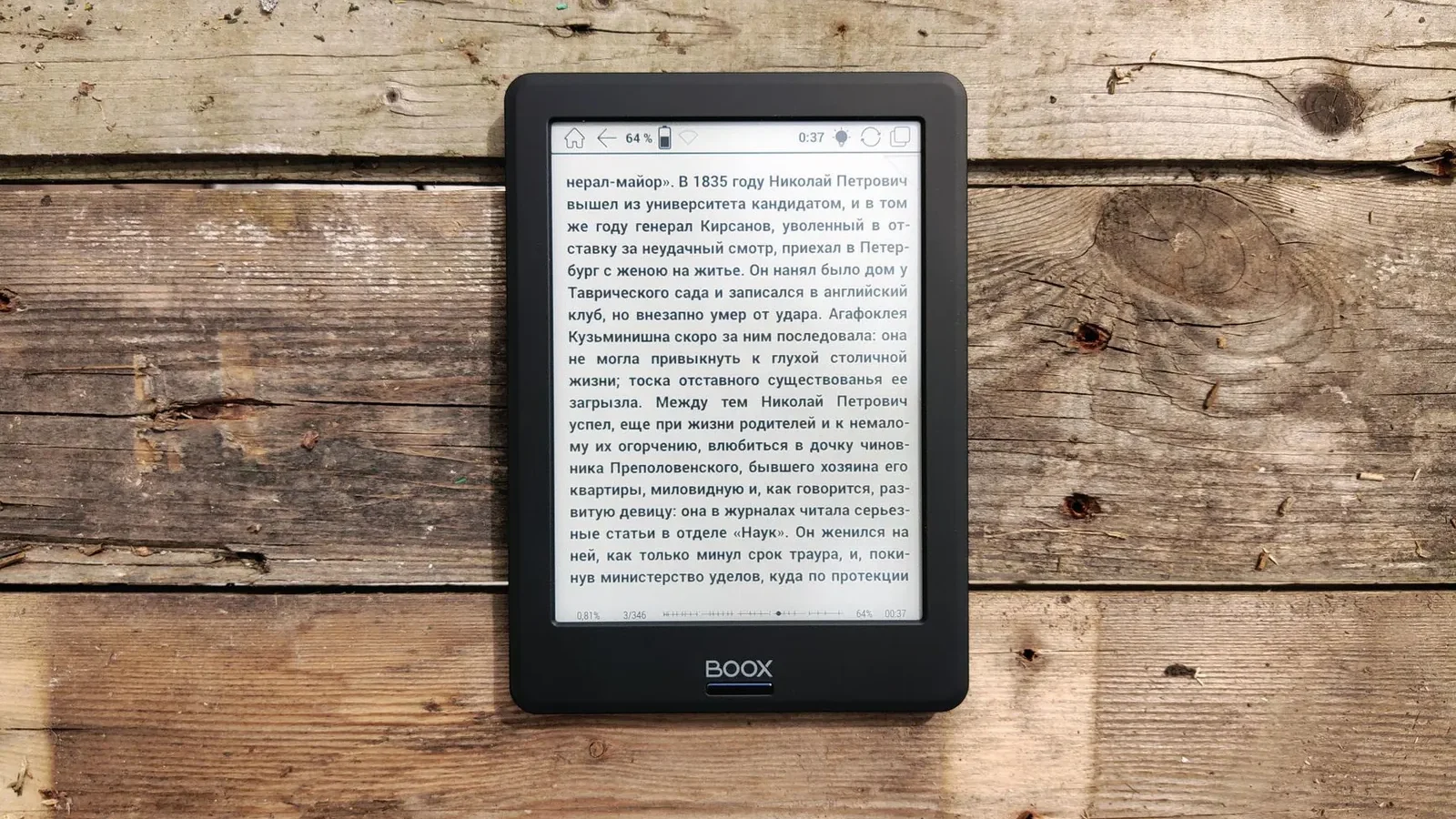
E-readers use e-ink displays, which reflect ambient light the way a printed page does. The screen refreshes slowly—about 0.5 to 1 second per page turn—but that’s a deliberate trade-off for a matte, flicker-free surface that holds up during 4–6 hour reading sessions without the fatigue you’d feel from a backlit screen.
Tablets use LCD or OLED panels built for color, brightness, and speed. That makes them excellent for magazines, comics, and video—but they emit blue light and refresh continuously, which adds up during long reading sessions. Most tablets now include a reading or night mode that warms the display, which helps. It doesn’t replicate e-ink’s passive comfort, but it’s usable for an hour or two.
Best for reading long-form text
E-reader. Three hours into a novel, your eyes will notice the difference.
Best for magazines, comics, and color content
Tablet. Color e-ink models exist—Kindle Colorsoft, Kobo Libra Colour—but they refresh more slowly than monochrome e-ink and cost $250–$400.
Battery Life and Portability
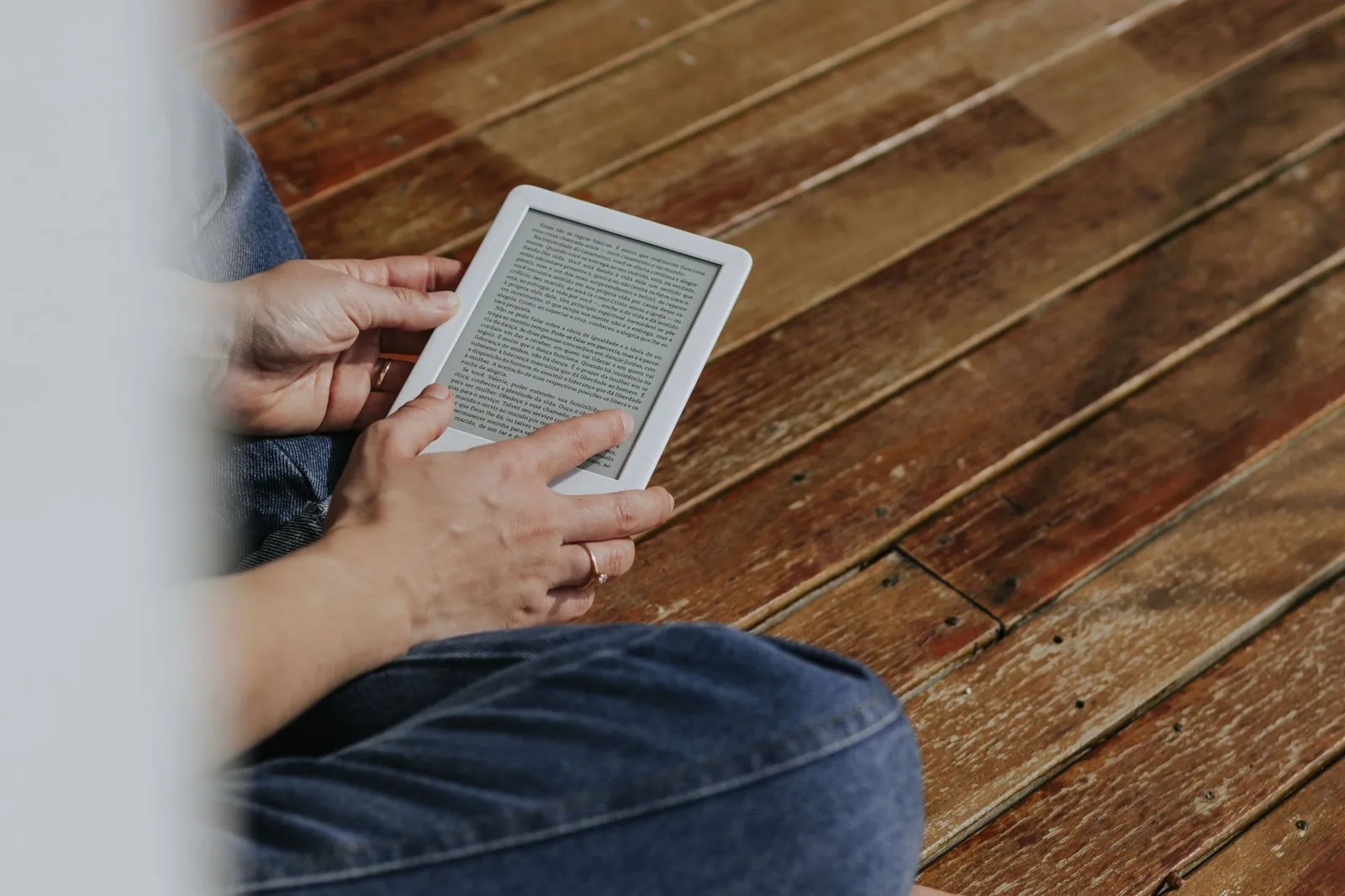
A Kindle Paperwhite or Kobo Clara typically lasts 2–4 weeks between charges at moderate brightness with wireless off. You can take one on a month-long trip and forget the cable.
Tablets deliver 8–12 hours of active use—a full workday if you’re disciplined, but realistically a nightly charge habit. They’re also noticeably heavier: 400–700 grams for most tablets versus 150–250 grams for an e-reader. That gap matters if you read in bed or commute with a full bag.
If battery life and weight matter more than color and apps, an e-reader wins every time.
Price and Value
E-readers cluster into three tiers:
- Entry-level ($100–$120): Basic Kindle, no warm light, smaller storage
- Mid-range ($150–$250): Kobo Clara, Kindle Paperwhite—adjustable warm light, waterproofing, open format support on Kobo
- Premium ($300–$400): Larger screens (7–10 inches), stylus support, color e-ink
Tablets span a wider range. Amazon Fire HD 8 starts around $100 on sale but runs a stripped-down version of Android with heavy Amazon integration. A capable mid-range tablet—Samsung Galaxy Tab A9, iPad (base model)—runs $300–$500. iPad Pro tops out above $1,200.
If reading is your primary use, a $150 e-reader outperforms a $500 tablet for that specific job. If you want one device that handles reading, email, video, and light work, the tablet’s versatility offsets the cost.
App Ecosystem and Functionality
E-readers run focused software by design. You get a book library, basic web browsing on some models, and audiobook support on Kindle and Kobo. No email, no social apps, no games. For many readers, that’s the point—one device that does one thing without pulling your attention elsewhere.
Tablets run full iOS or Android, which means millions of apps, Google Docs, photo editing, video streaming, and video calls. A mid-range tablet can replace a laptop for light work. That flexibility costs you in battery life, weight, and—if you’re prone to distraction—reading time.
Best for multitasking
Tablet. E-readers intentionally lack this.
Best for distraction-free reading
E-reader. No notifications, no temptation to switch to another app mid-chapter.
Comparison Table
| Feature | E-Reader | Tablet |
|---|---|---|
| Battery life | 2–4 weeks | 8–12 hours |
| Weight | 150–250g | 400–700g |
| Price range | $100–$400 | $150–$1,200+ |
| Display type | E-ink (monochrome or color) | LCD or OLED (full color) |
| Eye comfort (long reading) | Excellent | Good with blue-light filter |
| App support | Minimal (reading-focused) | Full ecosystem (iOS/Android) |
| Color support | Limited (newer models only) | Full color |
| Multitasking | No | Yes |
Our verdict
Choose an e-reader if: You read novels, long articles, or PDFs for 2+ hours daily. Battery life and eye comfort matter more than color or apps. You want a device that stays out of your way.
Choose a tablet if: You want one device for reading, email, work, video, and apps. You read magazines, comics, or graphic novels where color earns its keep. You need flexibility for school, work, or travel.
If you’re leaning toward a tablet, see our guide to the best budget tablets for reading. For help narrowing down the right model, how to choose a tablet for your needs walks through the key specs.
Hybrid Options and the Both-Devices Case
Some people buy both—a $150 e-reader for daily reading, a $400 tablet for work and media. At $550 combined, that’s less than a base iPad Pro and covers every use case cleanly.
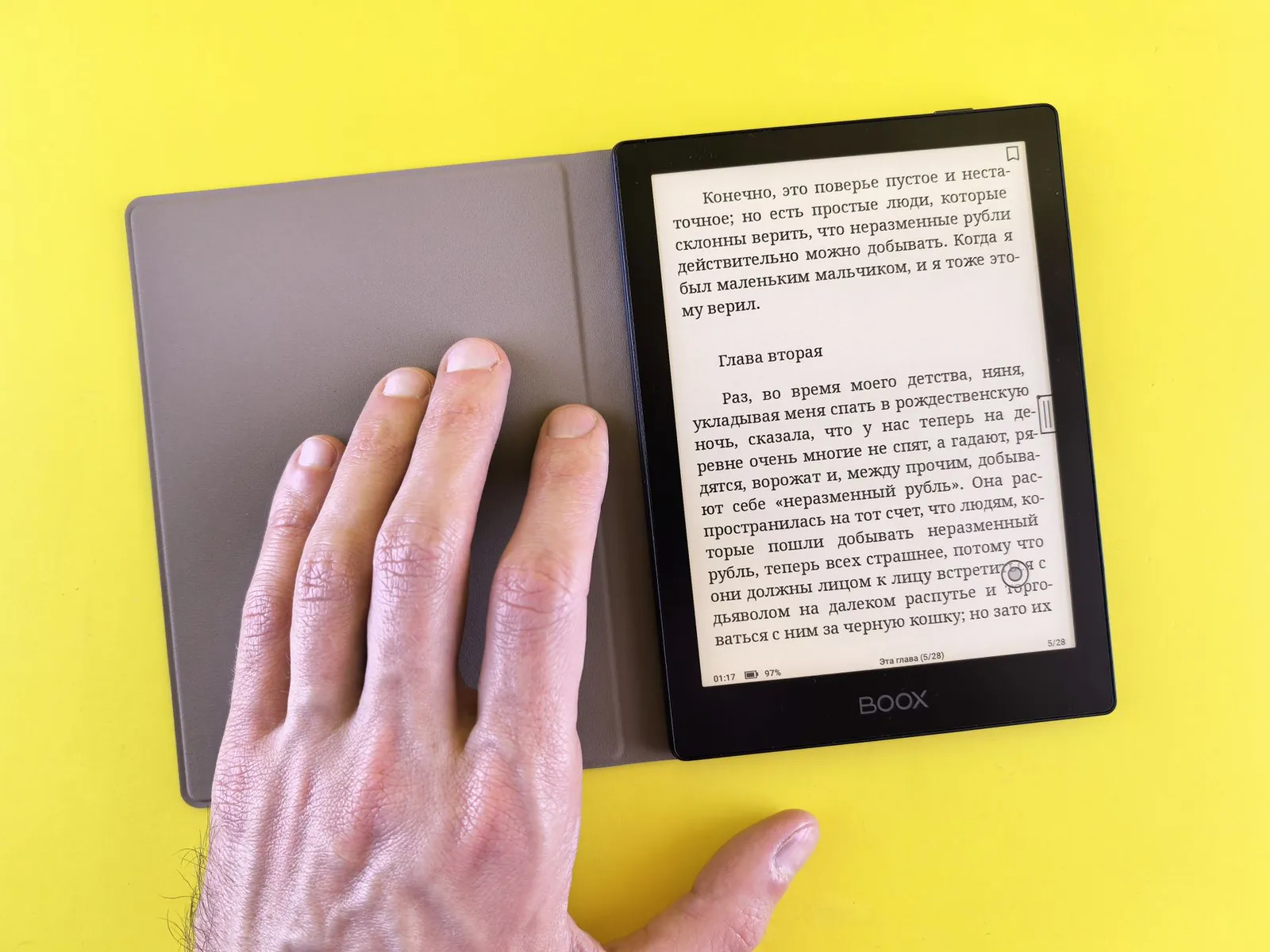
True hybrids exist but are niche. A handful of tablets use e-ink screens (BOOX, reMarkable), and some e-readers support limited Android apps. Both categories carry real compromises—slower refresh, higher price, or a stripped-down experience—and most people are better served by picking one device that excels at its primary job.
Frequently asked questions
Can you read books on a tablet?
Yes. Kindle, Apple Books, and Google Play Books all run on tablets. The backlit screen causes more eye strain than e-ink during long sessions, so use blue-light filters and plan for breaks if you’re reading for more than an hour at a stretch.
Is an e-reader worth buying if I already own a tablet?
If you read for an hour or more daily, yes. The battery life and eye comfort alone justify the $100–$150 cost of an entry-level Kindle or Kobo. If you read occasionally—a chapter here and there—stick with the tablet you have.
Which brands are worth considering?
For e-readers: Kindle dominates on library integration and price; Kobo supports open EPUB formats and more customization; Tolino is the strongest option in Europe. For tablets: iPad sets the standard for software support and resale value; Samsung Galaxy Tab is the best Android alternative; Lenovo is solid for casual use at a lower price.
Can e-readers display color?
Yes, but the technology is still maturing. The Kindle Colorsoft and Kobo Libra Colour both offer color e-ink, priced at $250–$400. They refresh more slowly than monochrome e-ink and work best for magazines and comics. For novels and plain text, monochrome e-ink is still sharper and faster.
Do I need waterproofing?
Most current e-readers and mid-range-and-up tablets carry IPX7 or IPX8 ratings, meaning they survive splashes and brief submersion. If you read by the pool or in the bath, check the spec sheet before buying. It’s a practical feature, not a premium one—most devices in the $150+ range include it.

Priya covers deals and buying timing, and keeps a spreadsheet of price histories she is slightly embarrassed by.


